
Searching for the right web browser

It had been a while since I wrote about making our online life saner and safer.
I should write about it more often, but on the one hand, many people are writing about it in more detail than I ever will. On the other hand, the online landscape is changing a lot these days. It seems that we're nearing an upheaval similar to the burst of the dot-com bubble in the early 2000s. This makes me adopt a "wait-and-see" position more and more.
So-called AI is, of course, to blame—or rather, the way it is being forced upon everything for no reason except to make the techno-oligarchic class even richer at everyone else's expense.
While it is not today's topic, if you need to follow one piece of advice from me, it is this:
"Never use anything labeled AI! Ever."
Today, however, our topic is web browsers.
You know, that software we rarely think about, yet use constantly on the web.
As far as web browsers are concerned, I think most web users can be divided into two groups.
The first group consists of people who don’t think much, if at all, about which browser they use. They use whatever browser is the default on their device: Safari for Apple devices, Edge for Microsoft devices, and the default browser on their phones.
The second group is made of people who know that the default browser on your device is rarely the best, and that Chrome is known for being the best, and this is the browser they installed and use daily. Since about 70% of devices worldwide use Chrome, this group is by far the largest.
Well, today, I would like to invite you to join a third group!
Yes, Chrome used to be great, but then Google began its "enshittification" process. This affected not only Search but also Chrome and more. The number of ways Chrome has become problematic seems to grow every day, causing more and more privacy and security issues. Some are generated by Google itself; others are generated by third parties. Because of its popularity, Chrome is a prime target for scammers and other malicious actors.
Yet most people are unaware of this and still think Chrome is the best browser for their device. Not anymore.
 Jon Martindale
So... Don't use Edge! Don't use Safari! Don't use Chrome!
What browser should you use then?
My first piece of advice would be to not use just one browser. I know I'm online more than most people, but I see it as a matter of putting all your eggs in one basket. We've entered a period of the Internet Age where things are constantly changing, and the days of using the same trustworthy and reliable tools for 20 years are gone. For this reason, it's important to be "fluent" in different versions of the same tool. In the case of browsers, if you use several, it's much easier to drop one that becomes inadvisable and move elsewhere.
I also use several browsers to more easily organize and compartmentalize my online life. I use one browser as my main browser, one for work only, and another for specific topics (politics, news, etc.). This way, my bookmarks, accounts, and other information are kept separate. I’m not tempted to mix my work and personal lives, and I can more easily silence the constant doom and gloom coming from the internet when I need to protect my mental health.
I know what you're saying. That's nice and all, and maybe you think it's good advice. But this doesn't answer the question:
What browser(s) should you use?
I'm getting to it.
Here are a few that you should look into.
Firefox
Firefox is the fourth most used browser in the world, yet it is only used by around 3% of users. In my opinion, this is insane, as Firefox is quite famous and has been around longer than Chrome. Many people talk about it, but very few actually switch. Please make the move!
Overall, it's a very good browser, and it’s open-source, meaning it doesn't belong to a Big Tech oligarch and never will.
It has many useful extensions, including good ad blockers (meanwhile, Chrome is waging a war against them). As I mentioned in my post about Meta, it has an extension that allows me to "park" all Meta websites away from the rest of my internet activity. This prevents Meta from collecting data about my activity on other websites. There's also an extension that blocks the annoying auto-dubbing that's becoming increasingly common on YouTube, and many many others.
Firefox would be the perfect browser if not for one issue. It's managed by a foundation called Mozilla, which used to be great but has recently been plagued by mismanagement. This hasn't affected the browser directly yet, but it could in the future. They already tried to add AI to the browser, and only made it optional due to an uproar from users. Additionally, more and more people blame them for not advertising the browser enough.
For now, I wholeheartedly recommend Firefox; it's the default browser on my computer. Just be aware that it may not stay great in the future (hence the need to use several browsers, as mentioned above).
 Jack Wallen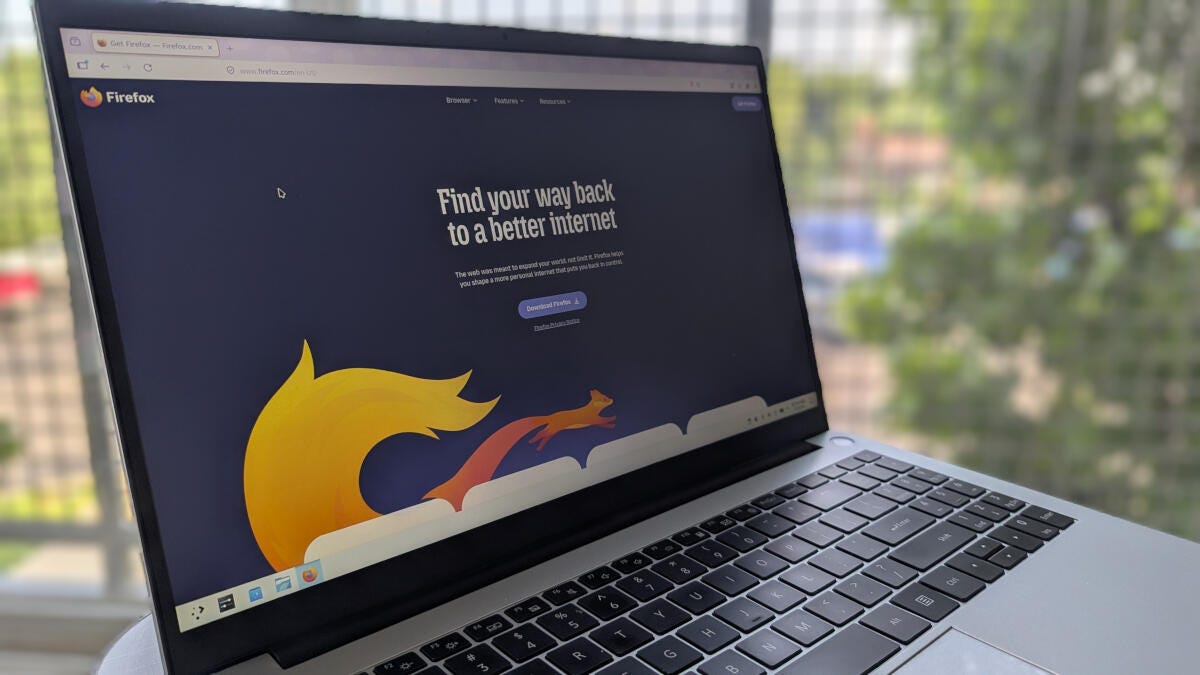
 Pardeep Sharma
Vivaldi
Vivaldi is a relatively new browser from Norway created by the co-founder of Opera (I mean, it's not that new, it was founded in 2015, but it has only recently started gaining traction.
Although it is not open source, it has many appealing features. First, the company is employee-owned and European. In other words, it’s a great alternative for those who don't want to entrust their data to an American tech giant. This is largely the reason for this post, and, by extension, the entire "Neo-Luddite Handbook" series.
It also has lots of customization options, a built-in email client, a Fediverse server, and more. Did I mention a free VPN? They're anti-AI and have promised never to add it to their browser (a good way to test their trustworthiness; so far, so good). It's currently my secondary browser on my computer and my primary one on my phone. I think it will eventually become my default browser everywhere.
 Barry Collins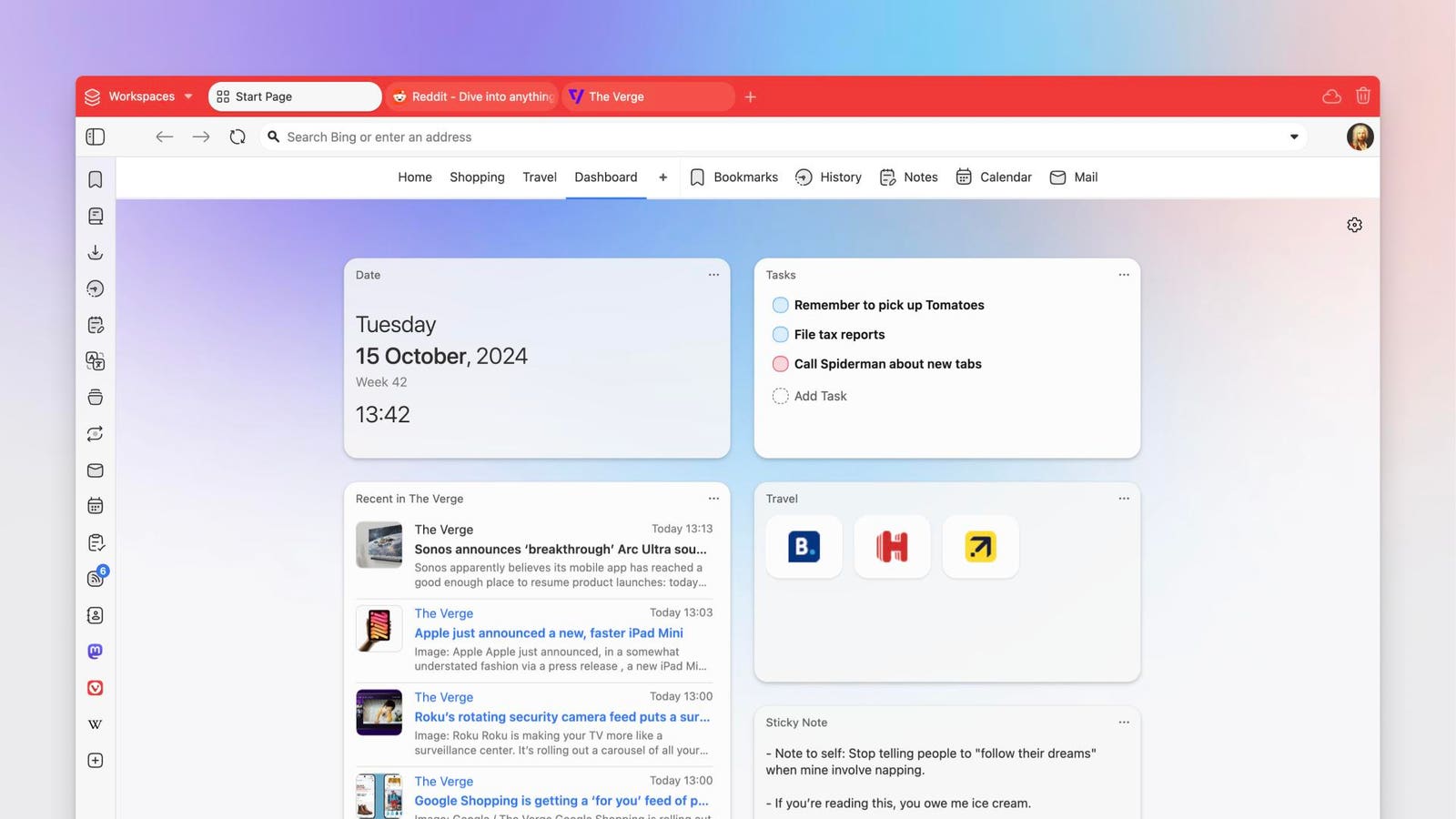
 Faisal Rasool
Opera
I mentioned Opera a few lines above. A few years ago, it was a great alternative, but the company was bought by a Chinese consortium, so I'm not sure how trustworthy it is nowadays. However, as far as trust in companies goes, unfortunately, we live in a world where Chinese companies are becoming more trustworthy than American ones.
These articles say that Opera is trustworthy as a browser:
 GeeksforGeeks
Chromium
Chromium is the open-source core of Chrome. Although Google created it, the company has less control over Chromium than it does over Google, and Chromium is not full of Google’s spyware. It is used as the base for many other browsers, including Vivaldi and Opera, and it can be downloaded and used as is.
More
There are many other browsers out there that I don't know as well. However, I can mention a few.
First, because Firefox is open-source, there are many offshoots of it in circulation. I sometimes use LibreWolf, which is no different from Firefox except that it is not owned and maintained by Mozilla. The danger with open-source offshoots is that they're maintained by volunteers, so sometimes a project is abandoned and won't receive updates. This is not a big deal when it comes to new features, but it's a bigger problem when it comes to security updates. For now, though, LibreWolf is actively maintained.

DuckDuckGo
I'll tell you more about them in a future post about alternatives to Google. In addition to being a search engine, DuckDuckGo has a web browser. I haven't used it much yet, but it's on my list. The company is privacy-conscious, so it's probably a very advisable browser. I just haven't used it enough to talk about it.
Brave
You may have also heard of Brave. Although it's supposed to be private and safe, it has some pretty shady features and connections, especially in the crypto world. It's probably all right as a browser, but I think it's controversial enough to not focus too much on it.
All right, that's it for today. I hope this post helped reduce your addiction to big tech oligarchs. Freeing ourselves from their grasp will be a long and difficult road, but we can make it one step at a time.
Don't hesitate to share your experience with various browsers in the comments.
Thanks for reading.
Best,
David


Comments ()